
 by
by 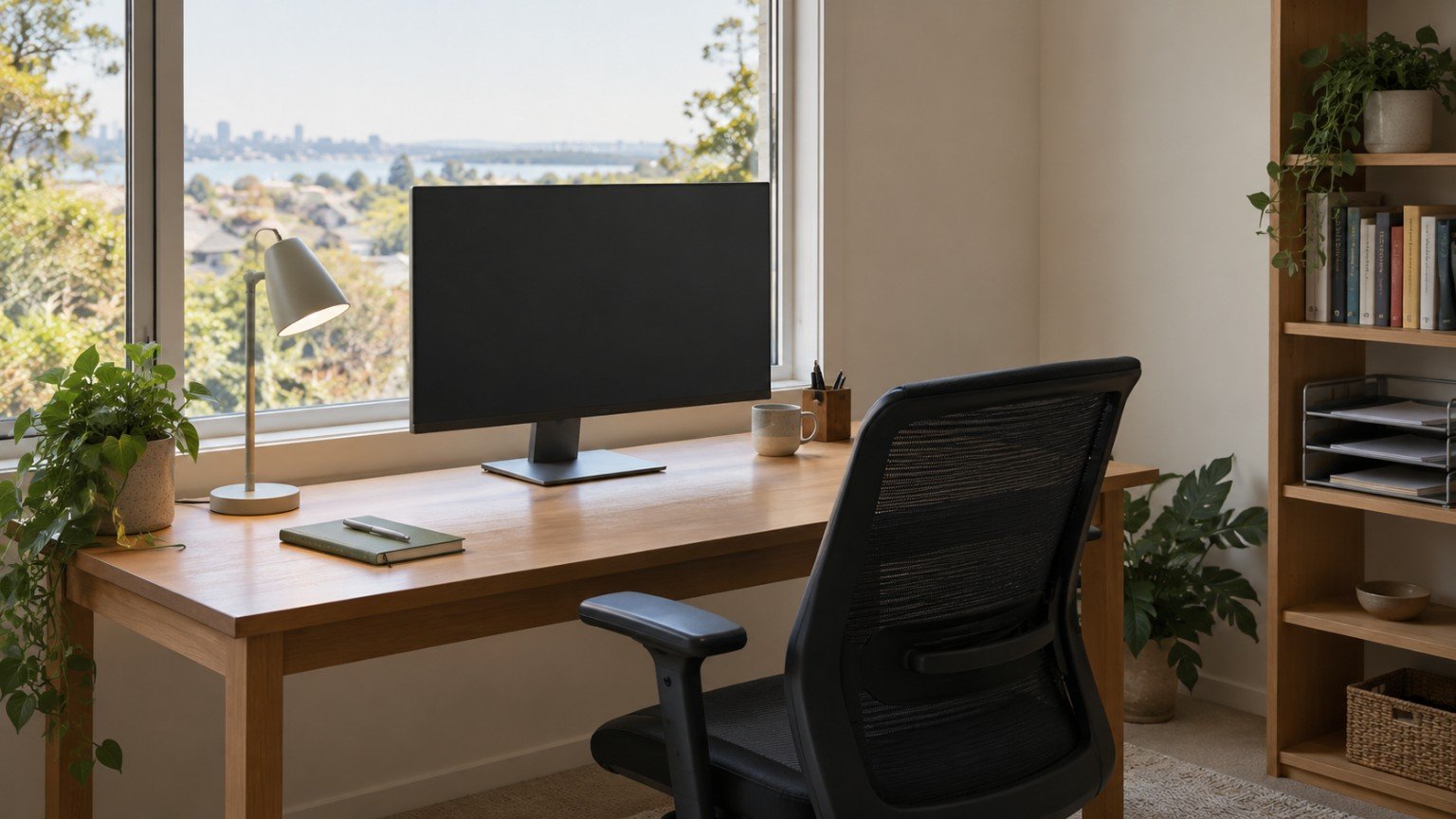
Working from home sounds simple until you’re doing it every day from a kitchen table or a corner of the bedroom. A functional home office doesn’t need a spare room or a big budget. It needs a spot that’s genuinely usable, set up in a way that protects your body and your focus.
Choosing the right spot in the home
Start by being honest about what’s actually available, rather than what looks good in photos. A quiet corner of a living area, a nook in a bedroom, or even a well-organised section of a dining table can work if it’s set up properly. Look for a spot with reasonable natural light, some distance from the busiest parts of the home, and enough space for a chair to be pulled out fully. If you’re in a share house or a small apartment, a fold-down desk or a desk that tucks against a wall can make a dedicated space possible even in a small footprint.
Setting up an ergonomic, renter-friendly desk
You don’t need a standing desk or a purpose-built office chair to work comfortably, but a few basics genuinely reduce strain over a full working day.
- Your screen should sit roughly at eye level. If you’re working from a laptop, a stand or even a stack of sturdy books under it, paired with a separate keyboard and mouse, makes a real difference.
- Choose a chair that supports your lower back and lets your feet sit flat on the floor. A cushion or rolled towel behind the lower back can help with an otherwise unsupportive chair.
- Keep your keyboard and mouse close enough that your elbows stay near your sides rather than reaching forward.
None of these adjustments involve drilling into walls or altering fixtures, so they work just as well in a rental as they do in an owned home.
Managing cables, lighting and noise
A tidy, well-lit space is easier to concentrate in and safer day to day.
- Use cable clips or a simple cable box to keep power leads off the floor and away from walkways.
- Position your desk so you’re not facing directly into a window, which can cause screen glare, but still close enough to get natural light during the day.
- A small desk lamp is a cheap way to add task lighting for darker mornings or evenings without relying on overhead lighting alone.
- If noise is an issue, a rug under the desk, a bookshelf against a shared wall, or even soft furnishings nearby can take the edge off sound bouncing around a hard-floored room.
Keeping work and home life separate
One of the biggest challenges of working from home is knowing when the day is actually over. A dedicated storage spot for work items, even if it’s just a single drawer, a basket, or a lidded box that gets packed away at the end of the day, helps create a visual break between “office” and “home” even in a shared space. If your setup is on a dining or kitchen table, having a simple routine for packing it up before meals goes a long way toward protecting family time.
Budget-friendly upgrades worth prioritising
If you do want to spend a little, prioritise in this order: a supportive chair or cushion first, then a laptop stand and separate keyboard, then better lighting. These changes have the biggest impact on comfort and focus for the lowest cost, well ahead of anything purely aesthetic.
Making it work for the whole household
If more than one person in the household is working or studying from home, a shared calendar for who has the desk and when, or simply agreeing on quiet hours, avoids the daily negotiation over space. For families with kids doing schoolwork at home too, a second, smaller work surface nearby, even a lap desk on the couch, can take the pressure off a single shared space.
A functional home office is less about how it looks and more about whether it actually gets used comfortably, day after day. Start with the basics above, and add to the setup only once you know what’s genuinely missing.
Join The Discussion